
Expert Guide: How Do I Remove a Negative Review on Amazon?
How Do I Remove a Negative Review on Amazon? Bluebug.io reveals legal steps to remove negative Amazon reviews and protect your seller account.

Samaa
April 9, 2026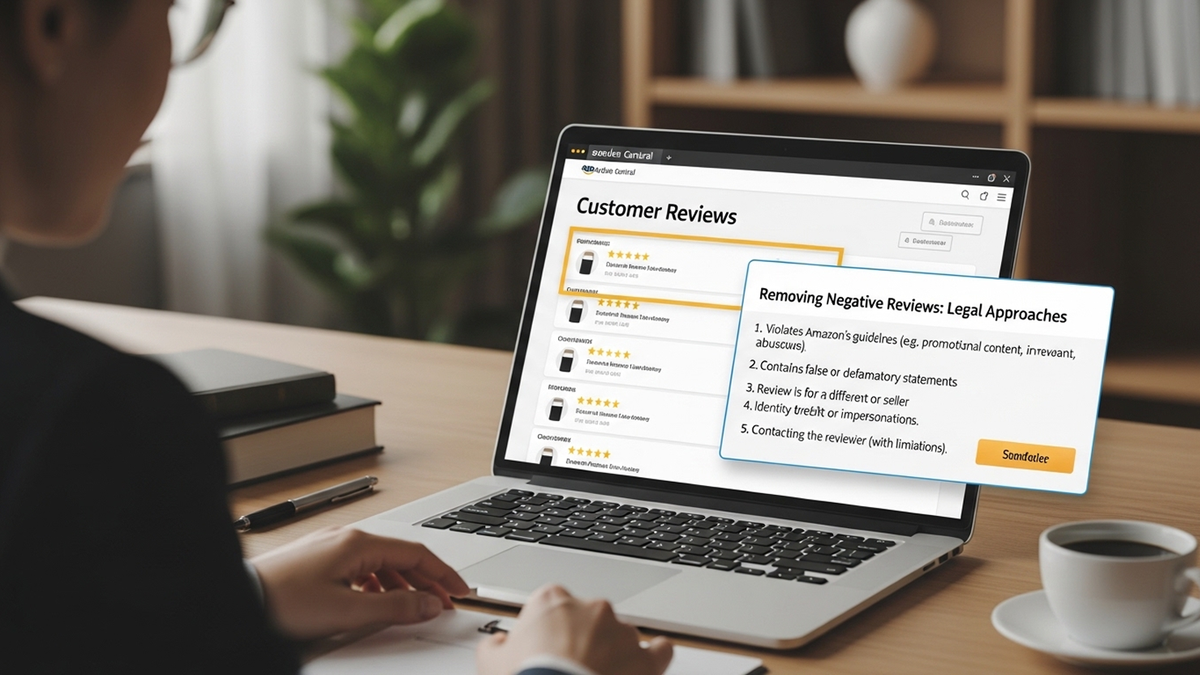
Understanding Amazon's Review Policy: What Can Be Removed?
Amazon maintains strict community guidelines regarding product reviews, and not all negative feedback qualifies for removal. Knowing these policies is crucial for any Amazon seller looking to maintain a healthy seller account. Essentially, Amazon will only remove reviews that violate their specific terms of service, not merely because they are critical or unfavorable.
What Types of Reviews Violate Amazon's Guidelines and Are Eligible for Removal?
- Profane or Offensive Language: Reviews containing obscenities, hate speech, or sexually explicit content.
- Personal Information: Reviews that disclose private information about sellers or other customers.
- Promotional Content: Reviews used to advertise other products, services, or websites. This also includes reviews left by competitors.
- Off-Topic Feedback: Reviews that discuss seller performance, shipping experience, or product packaging rather than the product itself. Amazon has separate metrics for seller feedback.
- Fake or Manipulated Reviews: Reviews that are clearly incentivized, unverified purchases, or part of a coordinated attack. Detecting such reviews is vital for brand protection. Why Fake Amazon Reviews Are a Threat and How to Protect Your Listings.
- Reviews for the Wrong Product: Sometimes, a reviewer might accidentally leave feedback for an incorrect item.
Why Does Amazon Delete Negative Reviews, and What Can Sellers Do?
Amazon deletes reviews primarily to maintain the integrity and trustworthiness of its marketplace. When reviews violate guidelines, they erode buyer confidence and create an unfair selling environment. Sellers can proactively monitor their reviews and report violations. Understanding Did Amazon Remove Reviews? Your Guide to Amazon's Policy & What to Do is important for effective management.
Step-by-Step Guide: How Do I Remove a Negative Review on Amazon?
Removing a negative review requires a systematic approach, often involving Amazon Seller Central. The process can vary slightly depending on whether the review violates policy or if you're attempting to resolve a legitimate customer issue. Remember, you cannot remove a review simply because it's negative; it must violate Amazon's terms.
Method 1: Reporting Policy Violations Directly to Amazon
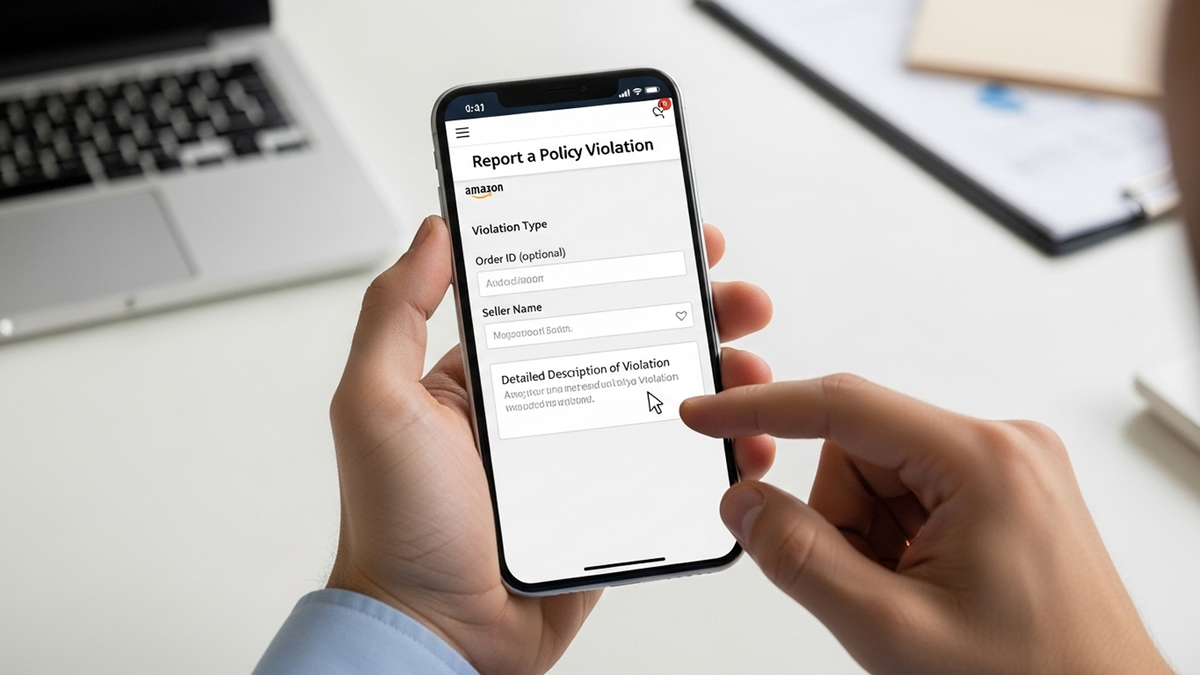
If a negative review clearly violates Amazon's community guidelines, your first course of action is to report it. This process can be initiated directly from the product listing page or through Seller Central.
- Identify the Violation: Carefully read the review and pinpoint the specific guideline it infringes upon (e.g., profanity, competitor promotion, off-topic content).
- Gather Evidence: Collect all relevant details such as the ASIN of the product, the title of the review, the reviewer's name, and the date. Screenshots can also be helpful.
- Report on the Product Listing:
- Navigate to the product page on Amazon.
- Locate the negative review.
- Click the "Report abuse" link usually found near the review.
- Follow the prompts to describe the violation and submit your report.
- Submit a Case in Seller Central: For a more formal request or if the "Report abuse" option isn't available, open a support case:
- Log in to Amazon Seller Central.
- Go to "Help" > "Contact Us."
- Select "Manage customer feedback" or "Products and Inventory" > "Product Review."
- Provide the ASIN, order ID (if applicable), reviewer name, and a clear explanation of why the review violates policy, citing specific Amazon guidelines.
- Follow Up: Review removal requests are not always resolved immediately. Monitor your Seller Central case log or email for updates. If rejected, you might be able to escalate the case with additional evidence.
Method 2: Engaging the Customer to Resolve Issues (Within Amazon's Rules)
When a negative review is legitimate but stems from a solvable issue, engaging with the customer can lead to voluntary removal. However, Amazon strictly prohibits offering incentives for review removal. Focus on resolving the problem, not coercing a change.
- Contact via Buyer-Seller Messaging:
- In Seller Central, go to "Performance" > "Feedback Manager."
- Locate the feedback you want to address and select "Contact Customer" next to the Order ID.
- Send a polite, professional message acknowledging their concerns and offering a solution (e.g., replacement, refund, troubleshooting).
- Brand Registered Sellers: If you are Brand Registered, you can use the "Customer Reviews" section in your Brands dashboard to contact customers directly about critical feedback (1-3 stars). This feature allows you to offer proactive support.
- Allow the Buyer to Decide: If the customer is satisfied with your resolution, they have the option to voluntarily remove or update their feedback within 60 days of posting it. You cannot directly ask them to do so.
What Are the Legal and Ethical Aspects of Removing Negative Reviews from Amazon?
The legal and ethical landscape surrounding review removal on Amazon is complex. Sellers must operate strictly within Amazon's Terms of Service and applicable consumer protection laws. Attempting to manipulate reviews can lead to severe penalties, including account suspension or even legal action. It's crucial for Amazon sellers to understand The Legal and Ethical Aspects of Removing Negative Reviews from Amazon to protect their business.
Can Amazon Sellers Remove Any Negative Product Reviews?
Is It Illegal to Offer Incentives for Amazon Review Removal?
Yes, offering incentives (like discounts, refunds, or free products) in exchange for a customer removing or changing a negative review is a direct violation of Amazon's policies and can have serious legal repercussions. This practice is considered review manipulation and can lead to account suspension or termination.
Proactive Strategies: Preventing Negative Reviews and Boosting Positive Feedback in 2026
The best defense against negative reviews is a strong offense. Implementing proactive strategies can significantly reduce the likelihood of receiving bad feedback and help you build a more robust positive review profile. This includes optimizing your product listings and providing exceptional customer service.
How to Get More Amazon Reviews (The Right Way) in 2026
Focus on legitimate methods to encourage feedback. This includes using Amazon's "Request a Review" button, ensuring excellent product quality, and providing outstanding customer service. Understanding How to Get More Amazon Reviews in 2025 (The Right Way) is key to long-term success. Also, consider enrolling in programs like Amazon Vine if your product qualifies. For a deeper dive into managing your feedback effectively, explore Top Strategies for Effective Amazon Review Management and Negative Review Removal.
What Does FBA Stand For? (And How It Relates to Reviews)
FBA stands for "Fulfillment by Amazon." When a product is FBA, Amazon handles storage, packing, shipping, and customer service for those items. If a negative review is solely about fulfillment or customer service for an FBA item, Amazon may strike through the review, indicating it takes responsibility, or remove it entirely. This is a crucial distinction for sellers.
Frequently Asked Questions About Removing Negative Amazon Reviews
Yes, an Amazon buyer can remove their own review. They can do this by logging into their Amazon account, navigating to "Your Orders," finding the product, and then selecting the option to edit or delete their review. They typically have a 60-day window to make changes.
The time it takes for Amazon to remove a reported review can vary. Some policy violations, like profanity, might be actioned quickly. More complex cases, such as those requiring investigation into fake reviews or competitor manipulation, can take longer. You will usually receive updates through your Seller Central case log.
If Amazon declines your initial request, first re-evaluate if the review truly violates their policies, providing additional evidence if possible. You can escalate the case through Seller Support by providing more detailed explanations and supporting documents. Ensure your communication remains professional and factual.
Yes, there are specialized services, like Bluebug.io, that assist Amazon sellers with review management and removal. These services typically focus on identifying policy-violating reviews and handling the complex reporting process with Amazon on your behalf, ensuring compliance with Amazon's terms. They can be invaluable for sellers overwhelmed by managing feedback. For more insights, consider How to Use Amazon Review Services to Remove Negative Reviews and Improve Your Sales.
Identifying fake reviews involves looking for patterns like generic language, multiple similar reviews in a short period, reviews from unverified purchasers, or reviews that are overly promotional or critical without specific product details. Tools and services specializing in Amazon Fake Review Checker: How to Spot and Remove Fake Reviews in Different Markets can help detect these. Also, understanding Fakespot Alternatives: Your 2025 Guide to Detecting Fake Amazon Reviews can empower you to protect your brand.
Resources and Further Reading
2 refrences
Ready to Work With a Trusted Bluebug Expert?
Bluebug.io helps UK Amazon sellers legally remove policy-violating reviews, protect their reputation, and boost sales.
Keep reading
How to sell products on amazon: Your 2026 Definitive UK Guide
How to sell products on amazon: Learn how to sell products on Amazon in 2026 with our comprehensive UK guide. Master setup, strategies, and review. Learn more.
Star rating calculator: Boost Amazon Sales & Remove Negative Reviews
Use our Star rating calculator to achieve your target rating on Amazon. Learn legal strategies to improve reviews and remove negative feedback for UK sellers.
Amazon sales business: Your 2026 Guide to Profit & Brand Protection in the UK
Master your amazon sales business in 2026 with our comprehensive UK guide. Learn models, strategies, and how to protect your brand. Contact Us today!