
Amazon Stranded Inventory: An FBA Triage Guide
Learn how to identify stranded FBA inventory, investigate inactive offers, document decisions, and verify outcomes without assuming a universal fix.

Muhammed Nasser
November 26, 2026
Identify the Affected Inventory
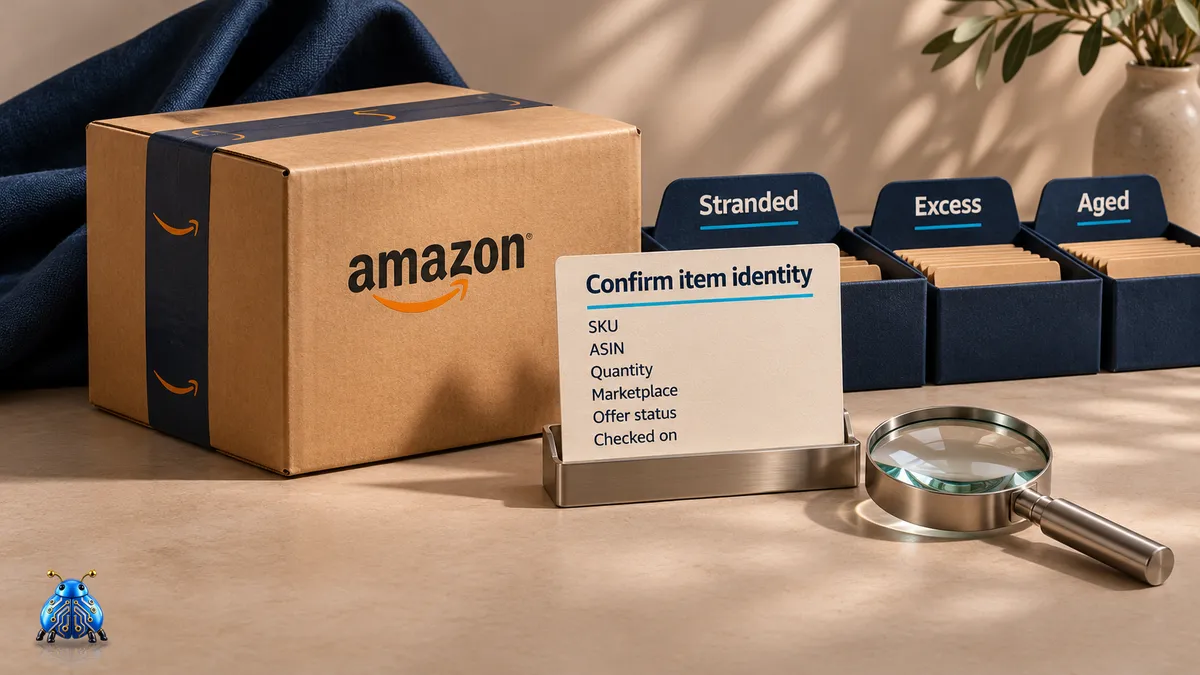
Start with Amazon's FBA Inventory tool, which Amazon describes as a way to monitor and address stranded inventory. Record the SKU, ASIN, quantity, observed offer status and date. Check that the affected SKU and marketplace are the ones your team intends to investigate; similar products and variations can otherwise be confused.
Separate stranded stock from other inventory questions. An item with excess supply or aged stock has a different diagnostic question from an item without an active offer. One item may have more than one issue, so keep those observations separate rather than assuming a single remedy addresses everything.
Choose a Documented Next Action

Where current account guidance provides a route to correct an offer, check that the proposed change addresses the issue shown for that SKU. Amazon also describes removal as an option for stranded inventory. A removal decision should consider your own fees, inventory condition, commercial plans and applicable account guidance; it is not automatically the best choice.
Verify the Result Before Closing the Case
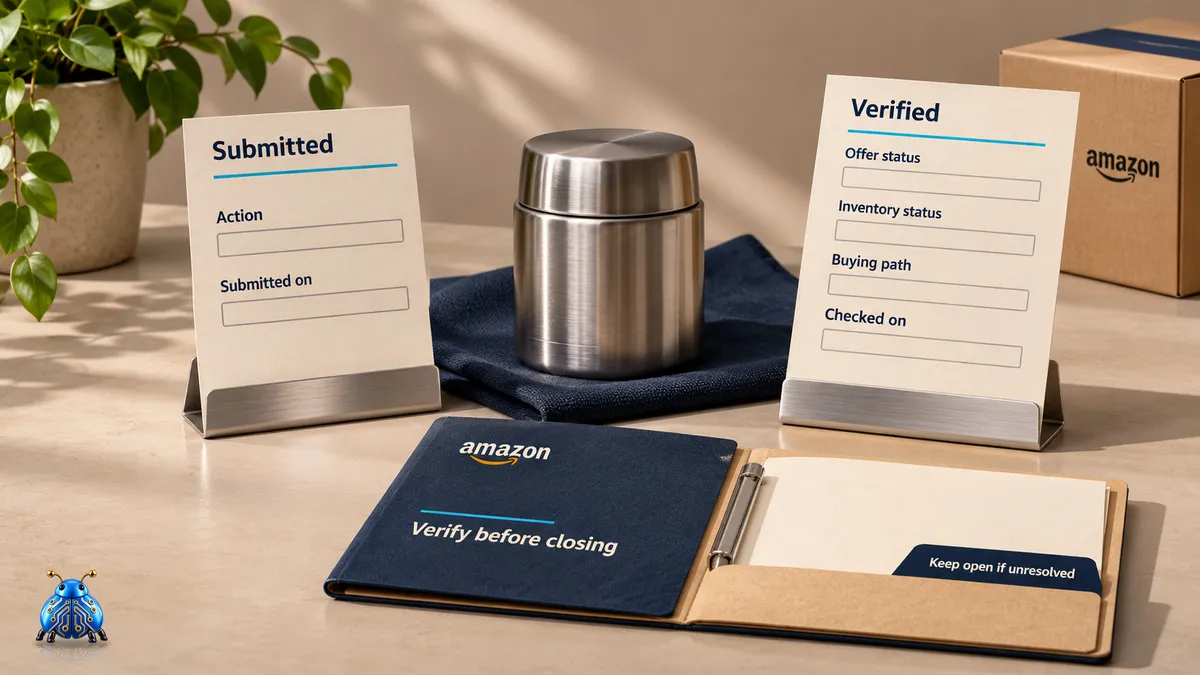
After an action, inspect the relevant offer and inventory status again. Record what changed, when it was checked and whether the intended buying path is available where you can verify it. A submitted request or edit is not itself proof that a customer can purchase the item.
If the result does not match the intended change, compare the SKU, marketplace and submitted information before deciding what to do next. Keep the case open when the relevant evidence is missing. Escalate a repeated discrepancy using the current account tools and retain the earlier observations.
Frequently Asked Questions
No. Amazon describes stranded inventory as lacking an active offer; excess inventory concerns stock relative to expected demand.
No. Review the account-specific situation and current guidance before choosing an action.
No. The cause, interface and appropriate action must be verified in the seller's account.
Conclusion
Identify the affected SKU, investigate the account-specific context, choose an evidenced action and verify the outcome. Keep uncertainty visible when a reason or resolution is not yet known.
Resources and Further Reading
2 refrences
- 01
Amazon FBA Inventory tool
Explains FBA inventory concepts, including stranded stock, and describes tools sellers can use for monitoring.
sell.amazon.com
- 02
Amazon inventory management guidance
Introduces inventory planning, common stock problems, and practical methods for managing inventory across selling operations.
sell.amazon.com
Ready to Take the Next Step?
Discuss your marketplace operations and customer-experience priorities with Bluebug, and confirm the scope of support before proceeding.
Keep reading
Amazon FBA Fees 2027: A SKU-Level Decision Plan
Prepare for Amazon’s 2027 US fee changes with a product-level review of effective dates, verified inputs, inventory exposure, pricing choices, and evidence, without assuming every ASIN faces the same impact.

Amazon UK 2% Surcharge: FBA and MCF Dates
Separate Amazon UK’s FBA and MCF surcharge dates, verify the fulfilment-fee base, and review product and channel economics before repricing, using current sources and clearly documented assumptions for each decision.
Walmart Item-Level Return Rate: SKU Recovery Guide
Prepare for Walmart's January 2027 item-level Return Rate enforcement with a focused SKU triage, correction, and evidence process.